Website
Planning a business website: your brief, content, and customer journey
A practical guide to preparing a website brief for small businesses and companies, from goals and page structure to content and contact buttons.
In this article
One good idea can be the start of something bigger.
A website brief connects your business needs with the design direction. You do not have to write a technical specification. What matters is a clear picture of your potential customers, the information they need, and the action you want them to take.
For small businesses and larger companies alike, a concrete brief makes discussions more focused. Here are the steps you can take before choosing a website package.
Define your goal and your visitors
Complete this sentence: “This website helps potential customers to…” Choose a primary action, such as asking about a service, requesting a quote, viewing a catalogue, or booking an appointment.
Then describe who your visitors are. A service company might work with homeowners and office managers, who have different needs. Write down the questions each group asks, especially the information they need before contacting your team.
Here is a brief you could use: “We provide home renovation services. The website helps homeowners understand the types of work we offer and send their initial requirements through WhatsApp.” This simple statement gives direction to the content structure and contact buttons.
Organise pages around customer needs
Gather your business information, then group it according to visitor questions. The homepage can introduce your main offer. Service pages explain the work available. A portfolio shows relevant examples, while the contact page explains the next step.
Every business needs a different structure. A concise offer may fit on one page. A company with several services can discuss separate pages for each group of information.
Create an initial page list and give each page a purpose. If two pages answer the same question, consider combining them. A clear structure is more useful than a long list of pages without enough content.
Prepare content that can be reviewed
For each page, gather a title, the main explanation, photographs, and the next action. Use the language customers use when asking questions. Explain your services concretely: who you serve, what you do, and how the process begins.
Prepare your business name, logo, description, active contact details, and any address or service area you can publish. Give photo files clear names so your team knows where each one belongs.
Mark anything that is still unfinished. Notes such as “team photo to follow” or “price to be confirmed” are more helpful than temporary information that could be mistaken for final content. Assign one person to review and approve the website’s content.
Decide what action buttons do and who receives enquiries
A CTA, or call-to-action button, directs visitors to the next step. Choose wording that explains what happens when someone clicks, such as “Check availability”, “Request a quote”, or “Chat on WhatsApp”.
Make sure the destination matches how your business operates. If a button opens WhatsApp, decide which number receives the message and what initial information is needed. If you use a form, explain who receives the request and how they will follow up.
Ask for enough information to start a conversation. For an initial consultation, a name, the type of request, and contact details may be sufficient. A reservation form may need more information depending on the service rules.
Choose references and explain why
Share a few example websites and describe what you like: readable text, services that are easy to find, or large portfolio photographs. These reasons help turn visual preferences into design decisions.
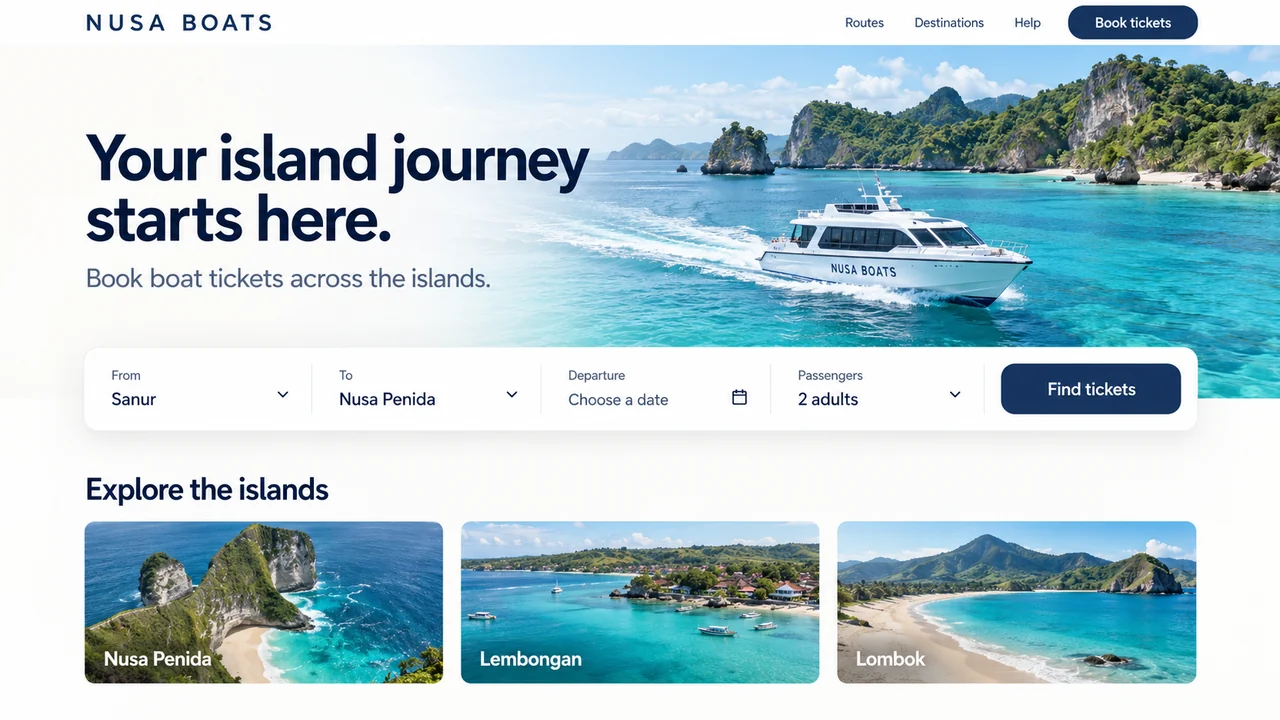
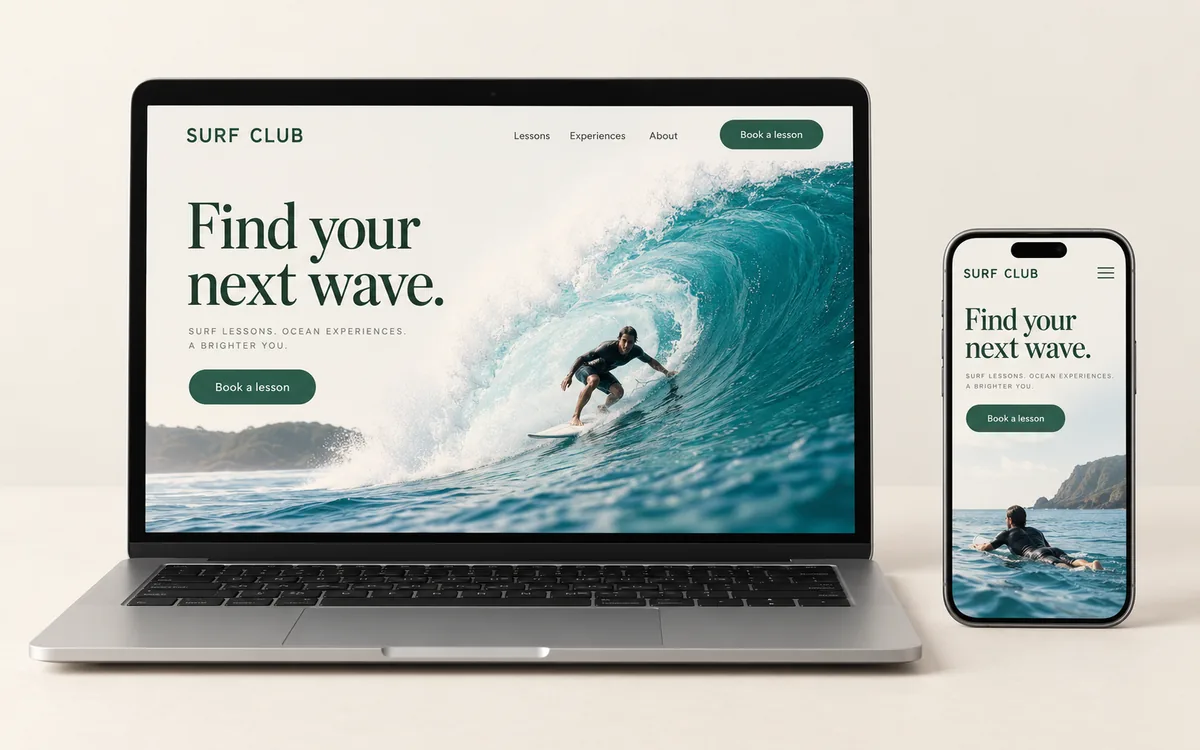
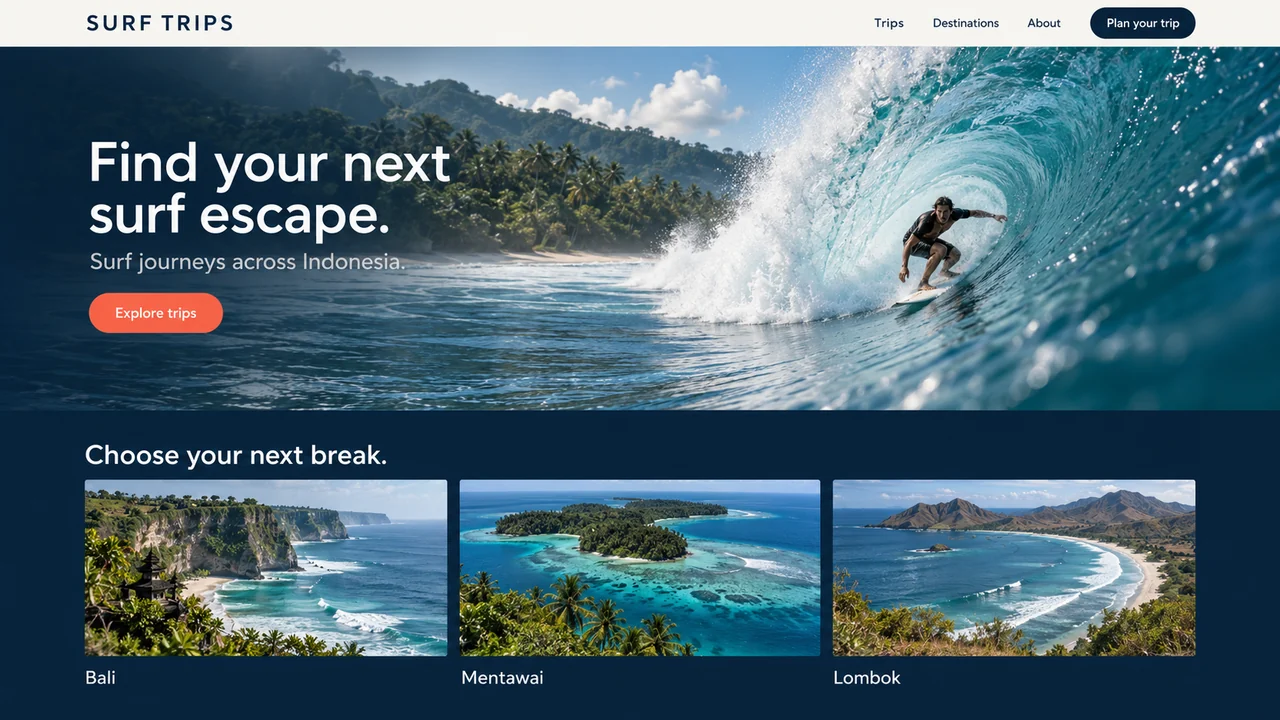
Use clear labels for example images that do not represent real projects. Distinguish design concepts from completed client work. A portfolio can still be appealing while explaining the context of its images honestly.
Agree on priorities and management
Separate what you need for the first launch from future improvements. Service information and contact details may be the first priority, while specialised features can be discussed once the basic journey is clear.
Record who updates the content, keeps access details, and reviews incoming requests. Before work begins, confirm pages, features, assets, revisions, domain, hosting, and the schedule in the project proposal.
Your final brief can simply cover the goal, visitors, page structure, available content, main action buttons, and requirements. Bring these notes when choosing a website package, then discuss your business website with Saka Digital.
Websites by Saka Digital
A website that fits your business.
Choose a package based on your content, how you’ll manage it, and the customer journey you need.
View website packages